Pencil
Draw freehand vector strokes, then keep editing their shape and appearance.
See the Pencil demonstration Squirrel VG
 for Mac
Use mouse precision and familiar system menus to build scalable artwork. Squirrel VG keeps editable paths, layers, color and lettering in one Mac workspace.
Move floating radial tools to a comfortable position, slide Properties aside and use zoom-aware rulers to stay oriented. The Mac and iPad source tabs let you inspect SVG alongside the artwork.
Explore 177 Mac feature entries
Draw freehand vector strokes, then keep editing their shape and appearance.
See the Pencil demonstrationPaint editable strokes with a brush tip and an adjustable width.
See the Standard brush demonstrationMove an existing point, insert another point on a path or remove an unwanted one.
See the Moving/adding/deleting vertices demonstrationMove layers and their contents with drag-and-drop or movement arrows.
See the Rearranging demonstrationBlend up to four colors along a line or from a center in Basic.
See the Standard linear/radial gradients with up to 4 color stops demonstrationAttach lettering to a curve, shift its position along the path and adjust its spacing.
See the Text along paths demonstrationSelect a vector or node to find its SVG, and edit source while following the corresponding artwork.
See the Live source editing with linked object/node highlighting demonstration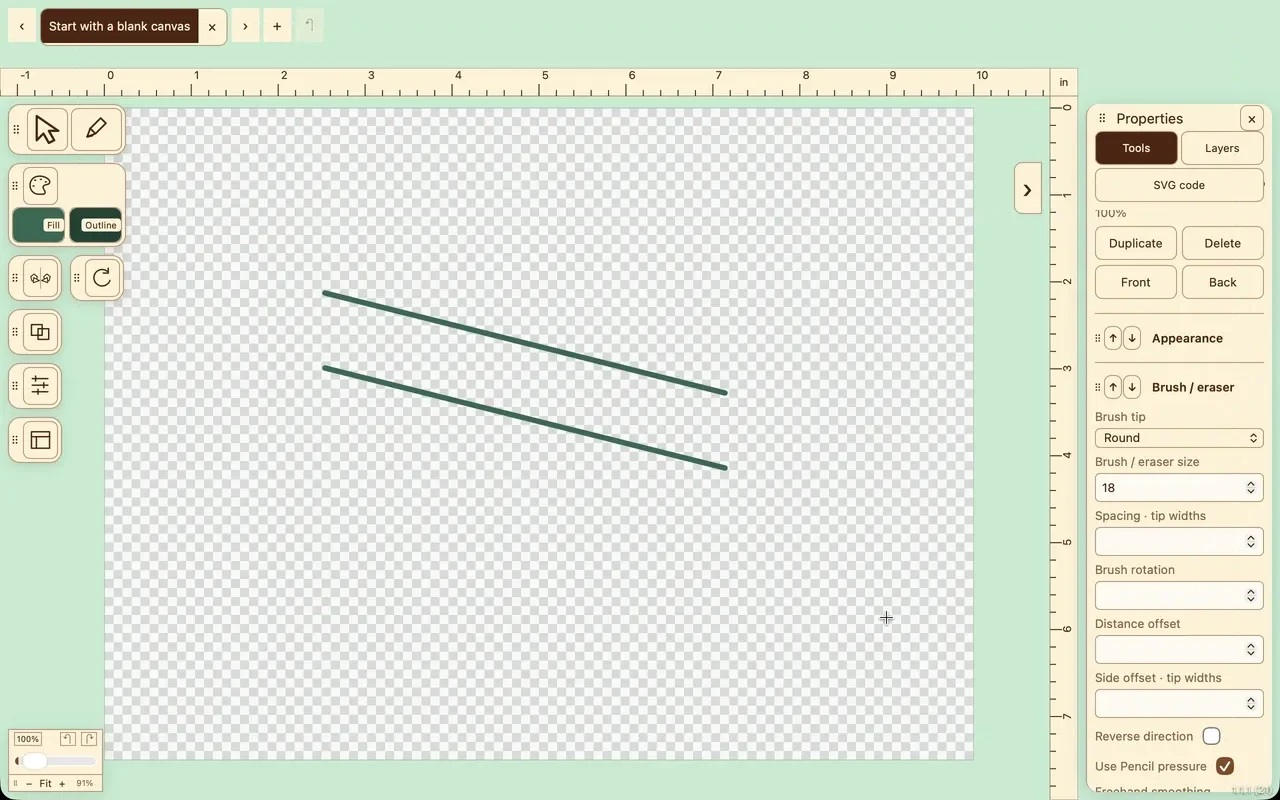
This website is a development preview. App Store availability has not been announced. Features vary by device, and preview features still need release validation. Apple Pencil features require compatible hardware. The Watch companion requires the iPhone app.
Basic and Premium labels describe the planned edition split. Basic includes up to five layers, four gradient stops and one perspective vanishing point. The current development app exposes both editions for testing.