Straight lines
Drag between two endpoints. Hold Shift to constrain the angle in 15° steps.
See the Straight lines demonstration Squirrel VG
 for iPhone
Carry editable vector artwork in a landscape iPhone workspace. Draw with geometric and freehand tools, refine curves, use gradients and organize the composition in layers.
Floating menus put color, rotation and selection controls within reach. Work across document tabs and continue compatible doodles from the paired Watch. Live SVG source remains a Mac and iPad feature.
Explore 178 iPhone feature entries
Drag between two endpoints. Hold Shift to constrain the angle in 15° steps.
See the Straight lines demonstrationDraw a rectangle from the shape family. Hold Shift for a square.
See the Rectangles demonstrationDraw an oval from the shape family. Hold Shift for a perfect circle.
See the Ellipses demonstrationSet the number of sides and draw a proportional polygon with Shift.
See the Polygons demonstrationDraw a freeform selection crossing artwork. It returns to Select so you can move the result.
See the Lasso demonstrationAttach lettering to a curve, shift its position along the path and adjust its spacing.
See the Text along paths demonstration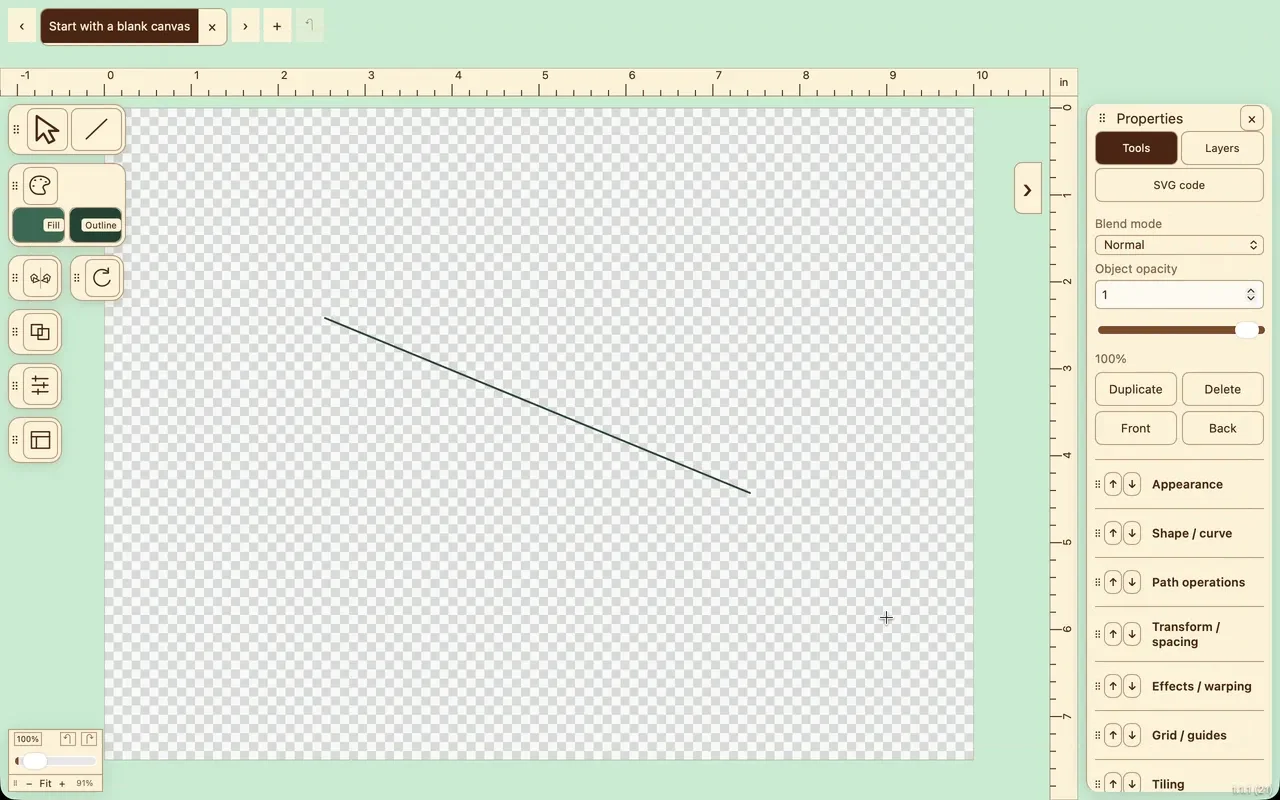
This website is a development preview. App Store availability has not been announced. Features vary by device, and preview features still need release validation. Apple Pencil features require compatible hardware. The Watch companion requires the iPhone app.
Basic and Premium labels describe the planned edition split. Basic includes up to five layers, four gradient stops and one perspective vanishing point. The current development app exposes both editions for testing.