Ordinary phone transfer
Bring a doodle from the companion Watch into the paired iPhone.
See the Ordinary phone transfer demonstration Squirrel VG
 for Watch
Catch a small drawing idea on your wrist. The Squirrel VG Watch companion offers quick doodling, color choices, brush width, clear and history controls.
Watch is part of the iPhone app rather than a standalone SVG editor. The flower animation illustrates drawing; it does not demonstrate a live phone transfer. Watch doodling is planned for Premium.
Explore 14 Watch feature entries
Bring a doodle from the companion Watch into the paired iPhone.
See the Ordinary phone transfer demonstrationCapture a small drawing on the paired Apple Watch.
See the Watch doodling demonstrationSend palette and brush assets from the iPhone to its companion Watch.
See the Advanced custom brush/palette workflows on the Watch demonstrationDraw a quick doodle directly on the Watch canvas.
See the Finger drawing demonstrationChange the width of the mark with the Watch width control.
See the Stroke width demonstrationChoose the round brush or custom tips received from iPhone.
See the Brush selection demonstration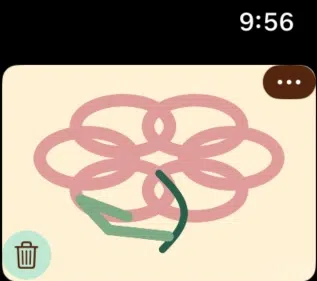
This website is a development preview. App Store availability has not been announced. Features vary by device, and preview features still need release validation. Apple Pencil features require compatible hardware. The Watch companion requires the iPhone app.
Basic and Premium labels describe the planned edition split. Basic includes up to five layers, four gradient stops and one perspective vanishing point. The current development app exposes both editions for testing.